
Private AI. No Account Required.
Ask, write, reason, and understand photos with an AI assistant designed around your privacy.

Ask, write, reason, and understand photos with an AI assistant designed around your privacy.
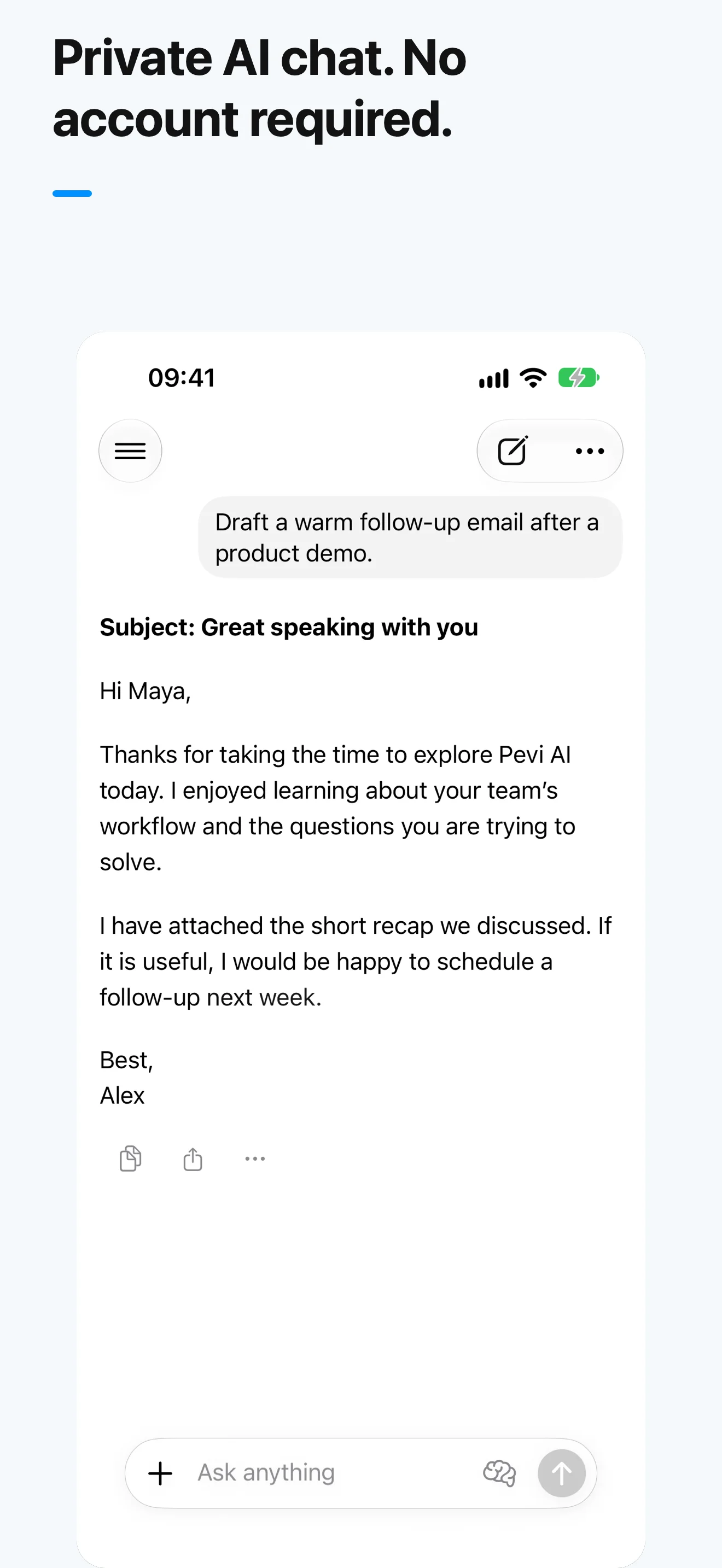
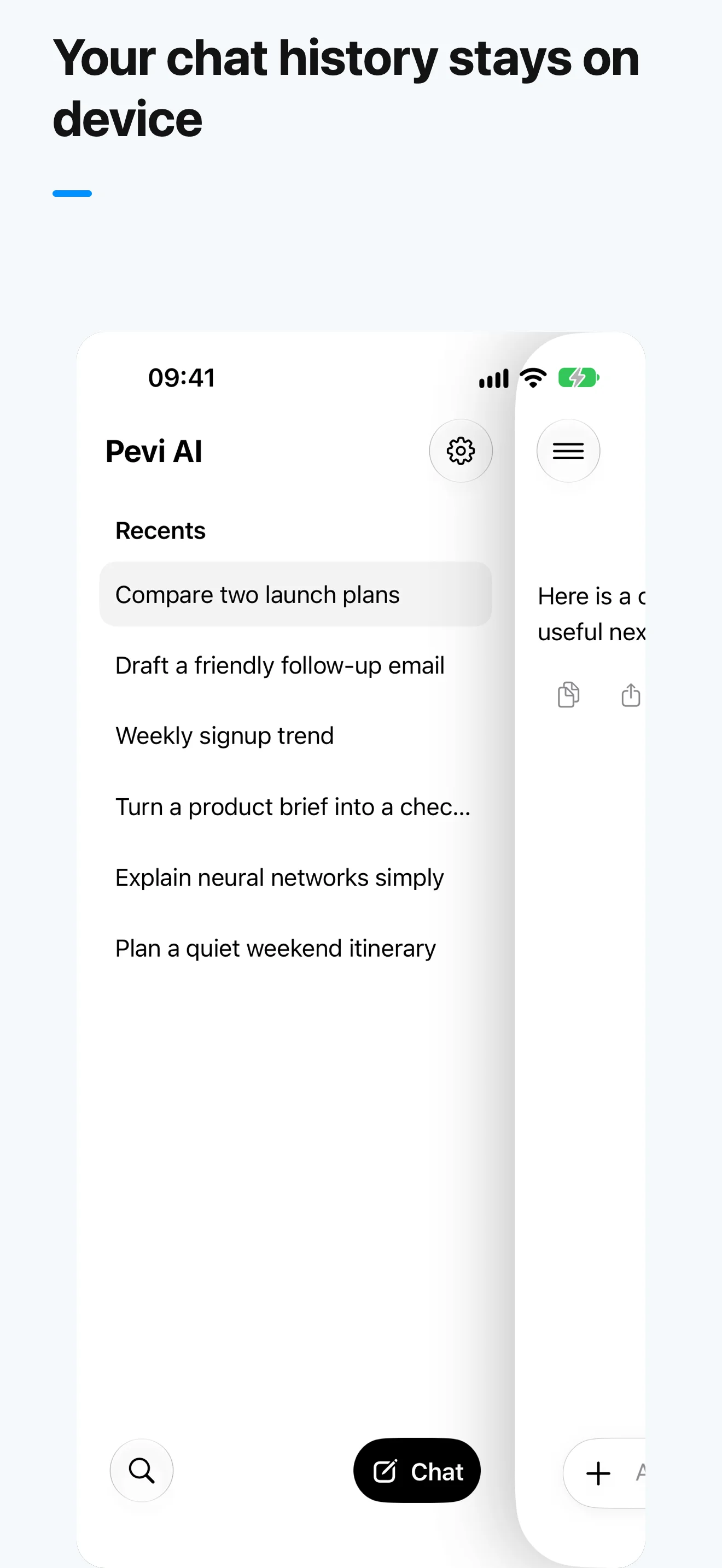
Draft emails, rewrite paragraphs, translate text, compare ideas, and keep asking follow-up questions in one conversation.
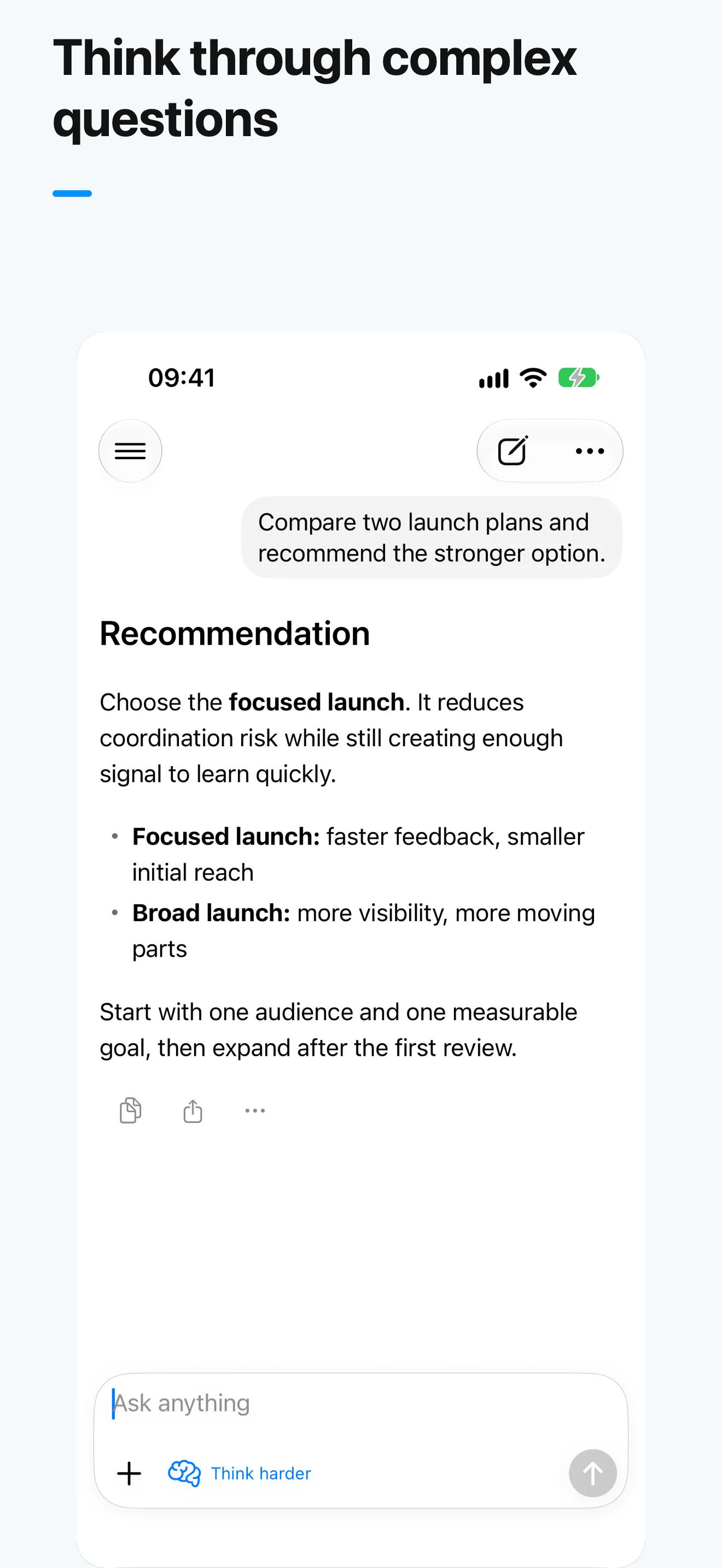
Use deeper reasoning for complex questions, plans, and decisions when you need more than a quick answer.
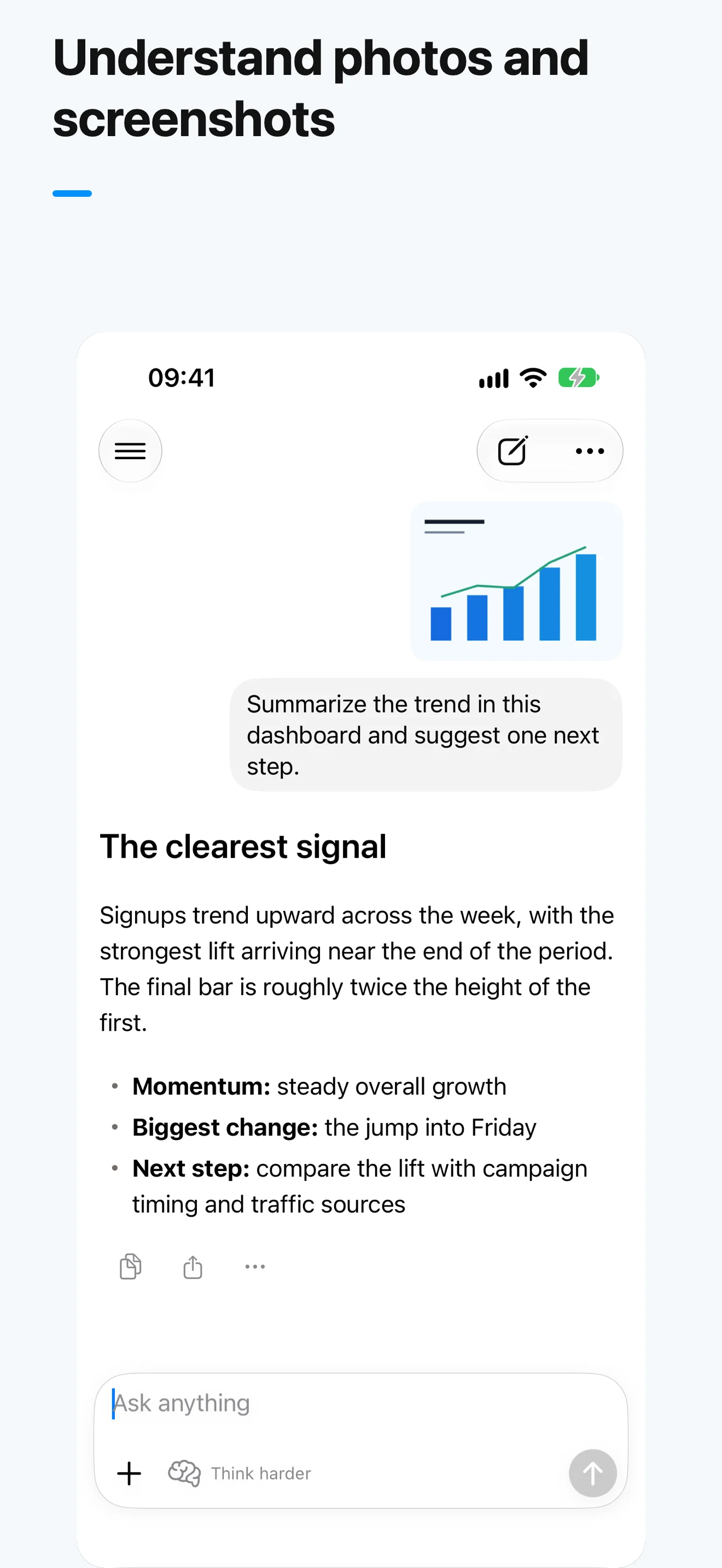
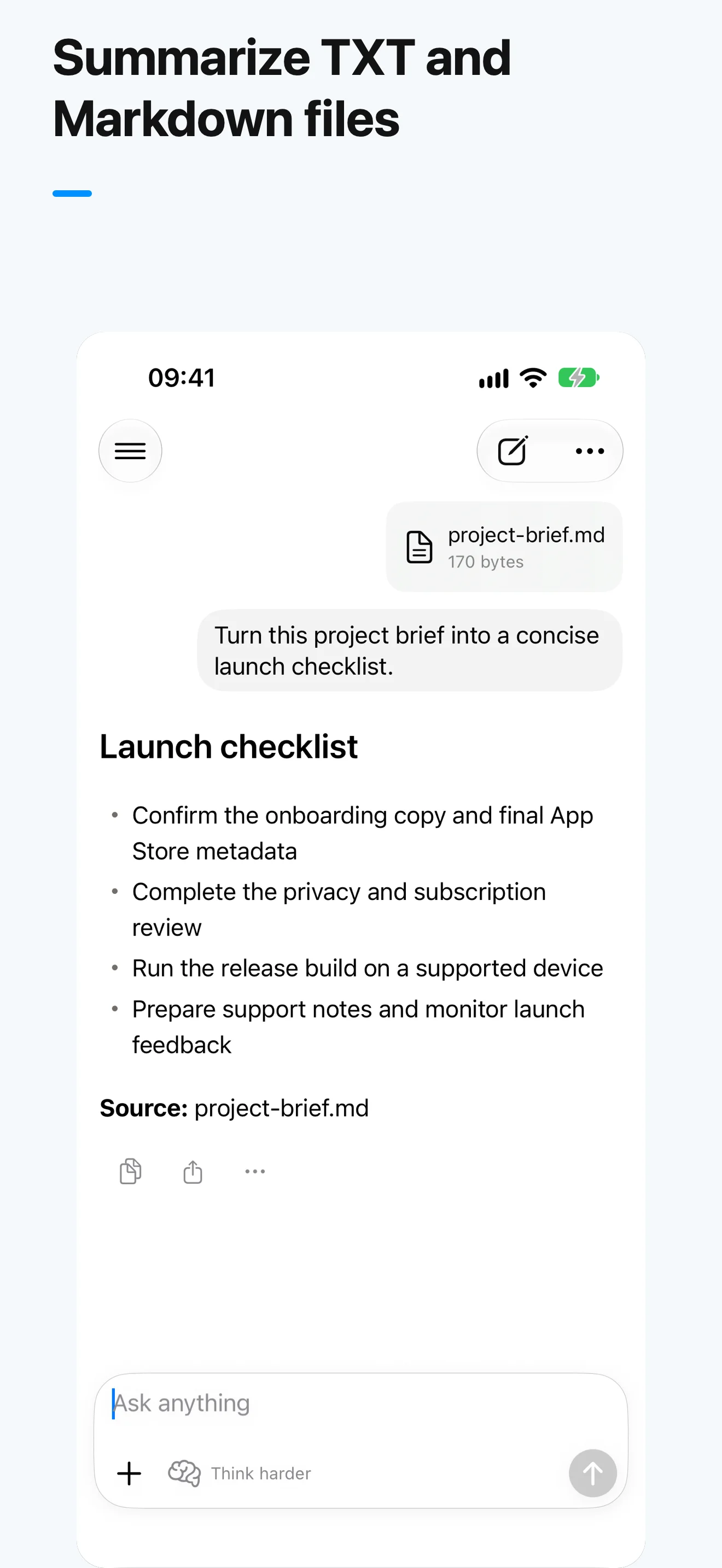
Ask about photos and screenshots, compare several images, or discuss TXT and Markdown files with Pevi Pro.
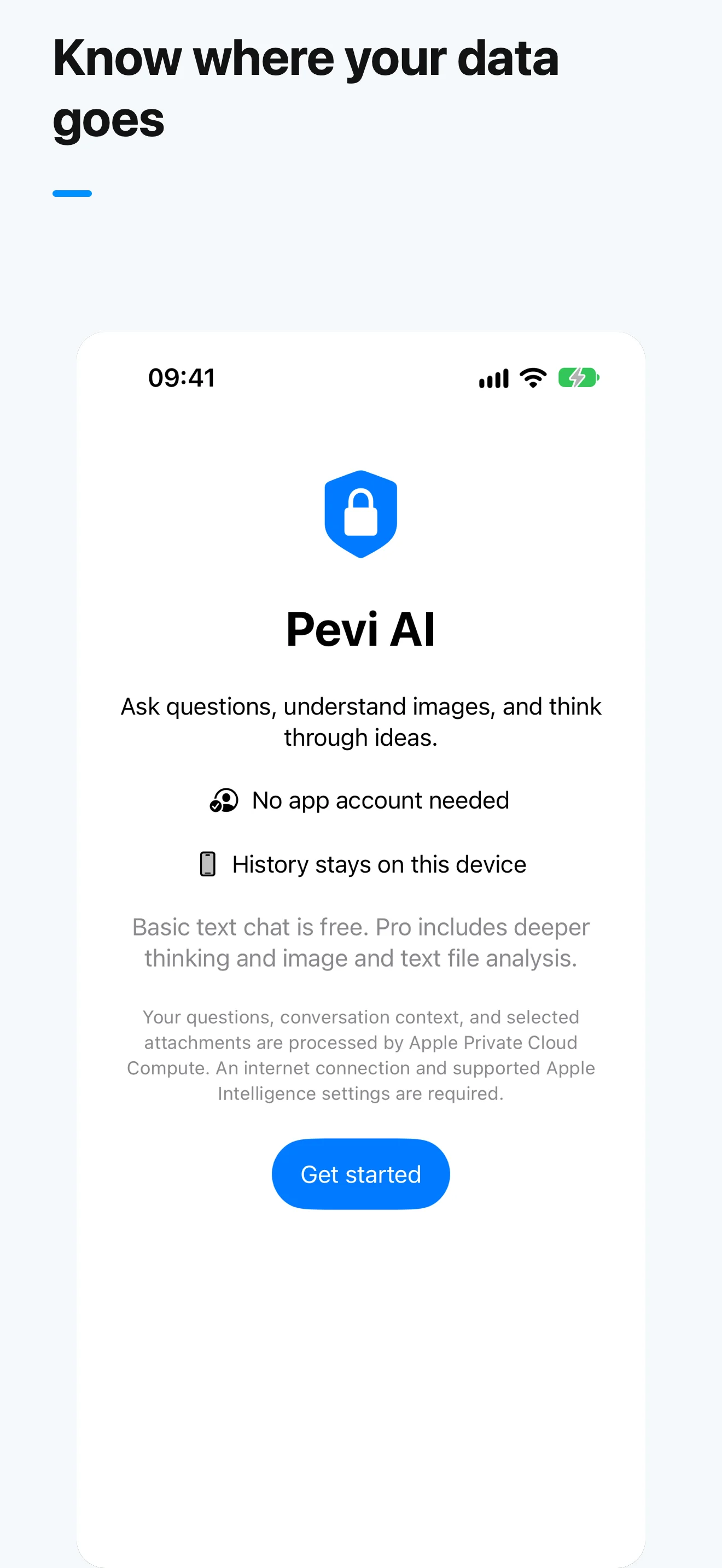
No Pevi account and no developer-operated chat server. Your history stays on your iPhone, while AI requests are processed by Apple Private Cloud Compute.
No sign-up, no account, and no complicated setup.
Start a conversation immediately without creating an account.
Use regular chat or select Think harder for deeper reasoning.
Attach selected photos, screenshots, TXT, or Markdown files when needed.
Continue with follow-up questions and return to local history later.
Clear answers about privacy, Pro access, and Apple service requirements.
No. Pevi AI does not require an app account, email address, or sign-in. You can open the app and start a conversation.
Your conversation history and attachments are stored locally on your iPhone. They are not synced between devices, and restoring a purchase does not restore your history.
No. Your history is stored locally, but AI requests, necessary conversation context, and selected attachments are sent to Apple Private Cloud Compute for processing. An internet connection is required.
Pevi Pro unlocks Think harder, photo and screenshot analysis, multi-image comparison, and TXT or Markdown file conversations. It does not increase Apple service limits.
No. RevenueCat helps verify subscription access and may process transaction metadata and an anonymous app user identifier. Pevi AI does not send your conversations or attachments to RevenueCat.
AI features require iOS 27 on a compatible iPhone with Apple Intelligence enabled and Apple Private Cloud Compute available. Service availability and limits are controlled by Apple.
Open Settings in Pevi AI to restore purchases or open the system subscription management screen. Restoring Pro access does not sync local chat history.